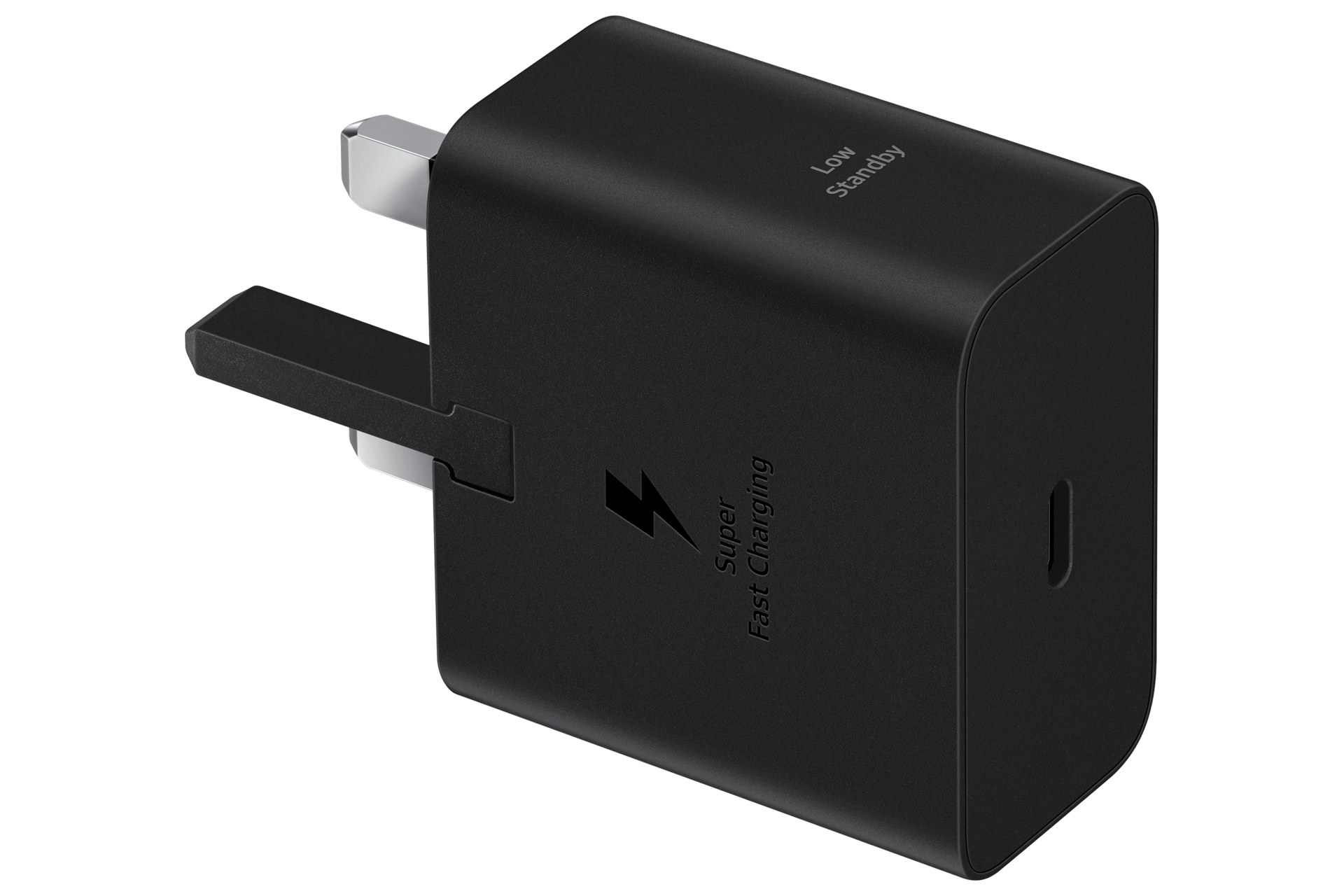
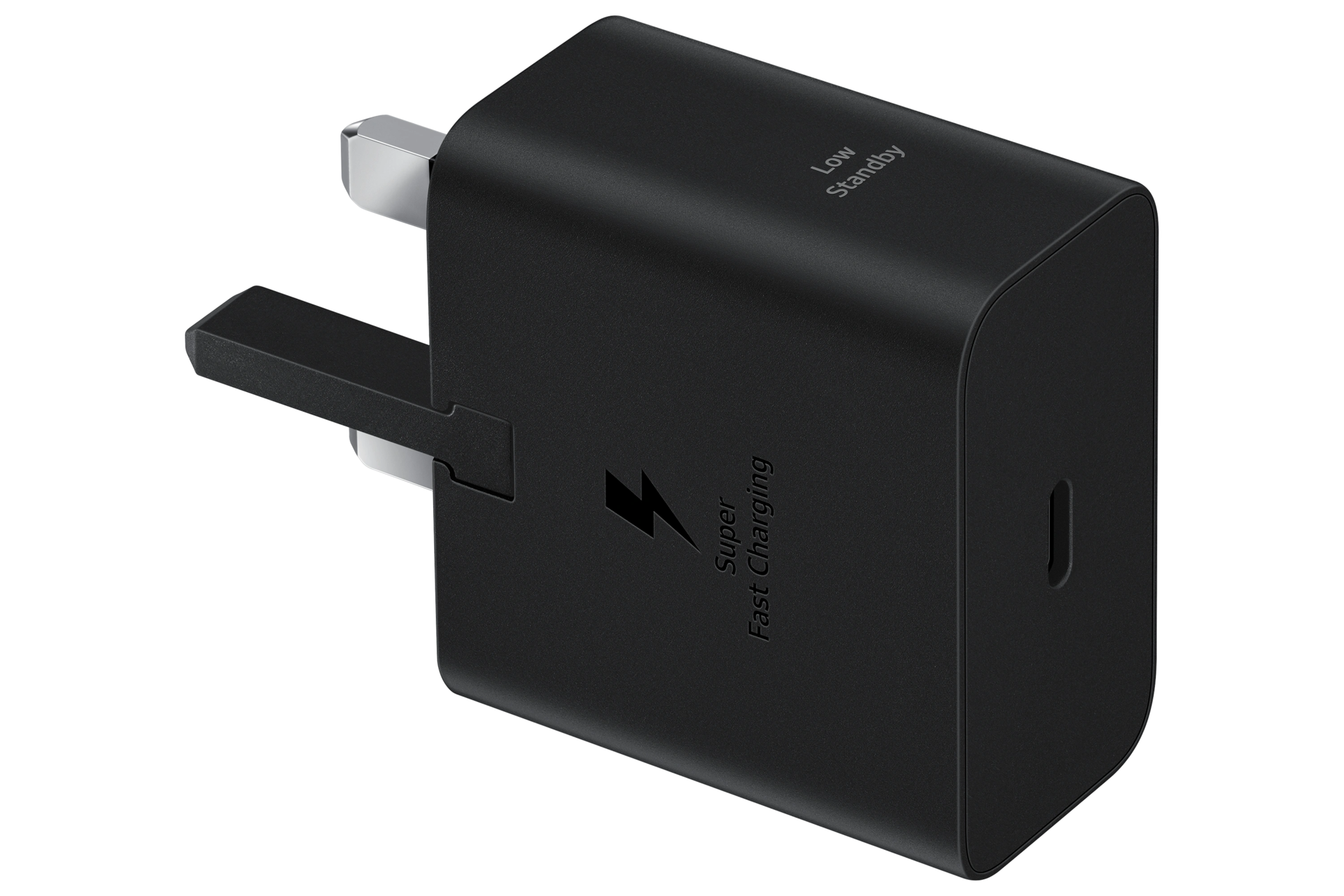
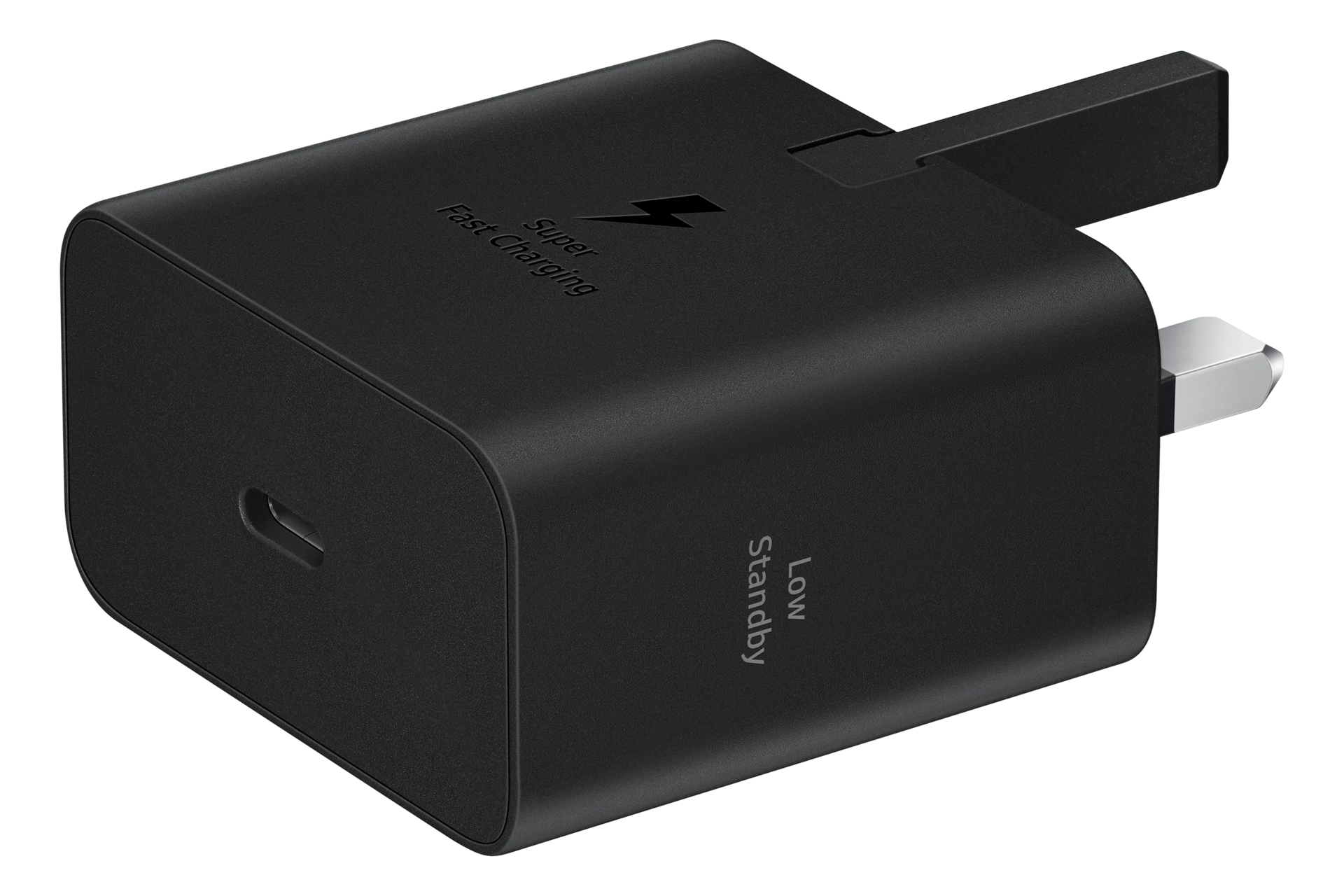
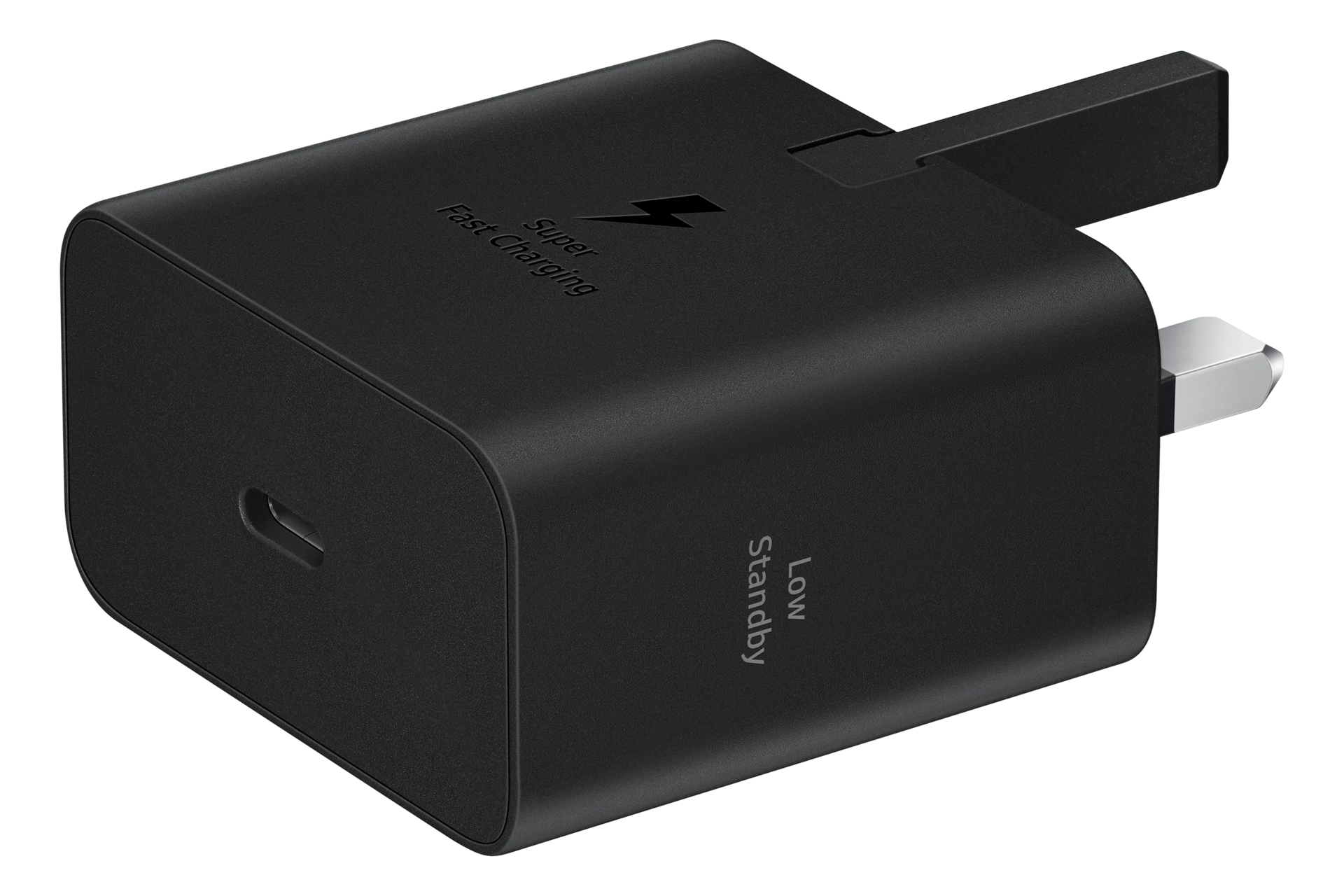
25W Super Fast Charging Travel Adapter (USB-C without Cable)


Gallery popup






Please scan the QR Code with your mobile device, and place the product image in desired place.
{{upgradeResult.displayModelName}}
{{upgradeResult.discountText1}}
{{upgradeResult.description1}}
{{upgradeResult.description2}}
{{offerFinance.title}}
{{offerFinance.learnMoreCta.text}}{{offerFinance.description}}
{{galaxyForeverResult.displayModelName}}
{{galaxyForeverResult.discountText1}}
{{galaxyForeverResult.description1}}
{{galaxyForeverResult.description2}}
Choose your colour
Customisable bezels sold separately
Choose your Freestyle colour
Customisable covers sold separately
-
{{item.name}}
Out of stock
Modern type
-
{{item.name}}
Out of stock
Beveled type
-
{{item.name}}
Out of stock
Additional colours
-
{{item.name}}
Out of stock
Bezel type

- Modern type
The Frame's custom bezels magnetically click into place. Now, you can switch between styles in a snap.
Bezel type

- Beveled type
The new Beveled type bezel design offers an elegant 45-degree angled inner edge bezel.
{{tradeIn.title}}
{{tradeIn.learnMoreCta.text}}{{tradeIn.description}}
{{tradeInResult.displayModelName}}
{{tradeInResult.discountText1}}
{{tradeInResult.discountText2}}
{{tradeInResult.discountText3}}
{{tradeInResult.discountText4}}
{{tradeInResult.discountText5}}
{{tradeInResult.discountText6}}
{{tradeInResult.specialDiscountText}}
{{tradeInResult.description}}
{{tradeInResult.contentText}}
DeleteDealer stock quantity
You can check the stock quantity for each region
Please select city
{{assuredBuyBack.title}}
{{newAssuredBuyBack.title}}
{{newAssuredBuyBack.learnMoreCta.text}}{{newAssuredBuyBack.description}}
Please select Samsung Assured Buyback or no coverage
{{care.title}}
{{care.learnMoreCta.text}}{{care.description}}
Please select Samsung Care+ or No to continue
-
-
{{item.specialText}}
Premiums include taxes at the applicable rate. Cosmetic damage not included. Excess payable. Terms and conditions apply.
{{warrantyResult.displayModelName}}
{{warrantyResult.discountText1}}
{{warrantyResult.description1}}
{{warrantyVdResult.title}}
{{warrantyVdResult.priceDisplay}}
{{delivery.headline}}
{{delivery.errorMessage}}
{{deliveryResult.priorityText}}
{{deliveryResult.mainText}}
{{deliveryResult.subText}}
Standard installation charges may apply.Click here for more details.
{{deliveryResult.decText}}
{{item.disclaimer}}
{{tariffOptionResult.displayModelName}}
{{tariffOptionResult.discountText1}}
{{tariffOptionResult.description1}}
{{tariffOptionResult.description2}}
{{tariffOptionResult.description}}
{{tariffOptionResult.price}}
{{tariffOptionResult.disclaimer}}
{{embedAddon.title}}
{{embedAddon.description}}
-
{{item.name}}
{{item.modelCode}}
{{item.description}}
{{item.finalPrice}}
{{item.originalPrice}}{{item.savePrice}} Out of stock
-
{{item.name}}
{{item.modelCode}}
{{item.description}}
- {{item.dotList1}}
- {{item.dotList2}}
- {{item.dotList3}}
{{item.finalPrice}}
{{item.originalPrice}}{{item.savePrice}} Out of stock
{{message.item.tcCTAText}}
{{message.item.periodText}}
Features
Powerfully refined
The new Power Adapter boosts your workstation with up to 25W Super Fast Charging for devices compatible with USB Type-C cables.


*Super Fast Charging(SFC) is Samsung's charging method based on Power Delivery 3.0.**SFC is supported for Galaxy Notes (Note10 and higher), Galaxy S Series (S10 5G and higher), and other SFC capable devices.***For optimum results, please use with authentic Samsung cables which can be purchased separately.****Charging cable is included depending on the model.
Compact yet powerful
They're getting smaller and smaller. Your Power Adapter, available in Black and White, is now slimmer and more travel-friendly than its predecessor, thanks to GaN Tech.


*A GaN charger is smaller and more energy-efficient due to its gallium nitride material content instead of silicon.**GaN technology may not be available depending on country or region of purchase.
Save on the stand-by
Not always full-throttle. The Power Adapter minimizes your standby power from 20mW to 5mW, maximizing your energy savings up to 75%. It's also made from a blend of materials that are mindful of the planet, which keeps us attentive in more ways.
*Plastic of Power Adapter was created using recycled materials which has been validated by the UL.**The plastic part of EP-T2510 contains a minimum of 20% recycled content.

As safe as is fast
Nothing's more important. Stay safe from overcurrent, short circuits and high-temperature, low leakages and more.


Compatible with Type-C
Throw it in inside your bag of devices. Up to 25W charging for the workstation and your fleet of Type-C compatible devices, not to mention your Galaxy Family.


*Actual charging speed may also vary depending on the actual usage, charging conditions, connected devices and other factors.**Charging cable is included depending on the model.
Specifications
-
Black
-
Compatible Models
Super Fast Charging 25W compatible with Galaxy S10 5G, A80, A70, and future compatible devices
-
Features
Super Fast Charging max. 25W, PD 3.0 PPS max. 25W, Zero Standby Power Consumption( <5mW )
-
Interface
USB Type-C
-
Packaging Contents
Wall Charger, Leaflet
-
Dimension (WxHxD)
49.0 x 27.1 x 68.74 mm
-
Weight
87.7 g
-
Input Voltage
100-240 V
-
Output Voltage (Max, Normal Charge)
5 V
-
Output Voltage (Max, Fast Charge)
PDO : 9 V / PPS : 3.3-5.9 V or 3.3-11.0 V
-
Output Current (Max, Normal Charge)
3 A
-
Output Current (Max, Fast Charge)
PDO : 2.77 A(9 V) / PPS : 3.0 A(3.3-5.9 V) or 2.25 A(3.3-11.0 V)
User manual & Downloads
Solutions & Tips
- Why isn’t Samsung including earphones and a charger plug in the box?
- Why isn’t Samsung including earphones and a charger plug in the box?
- How do I pair and set up my Galaxy Buds?
- What to do if there is no sound from your wired headphones on your galaxy device
- Use the Samsung Find app to locate a lost device