How to test Samsung’s phone camera
Last Update date : Apr 15. 2026
You can test your Samsung phone camera using the Samsung Members app. This built-in tool checks if the camera is working properly and shows the results immediately.
Follow the steps below to run a camera test on your device.
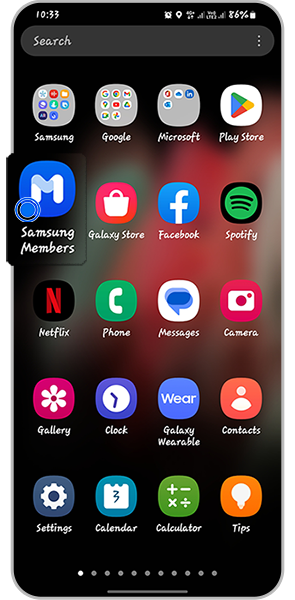
Step 1. Open Samsung Members app.
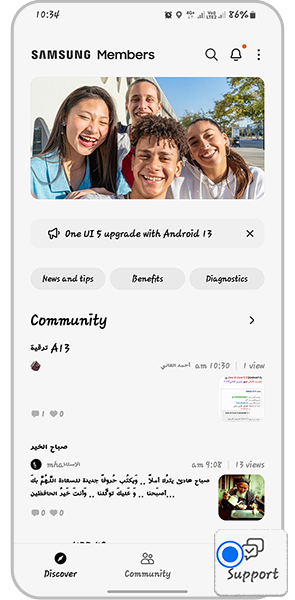
Step 2. Choose Support from the app
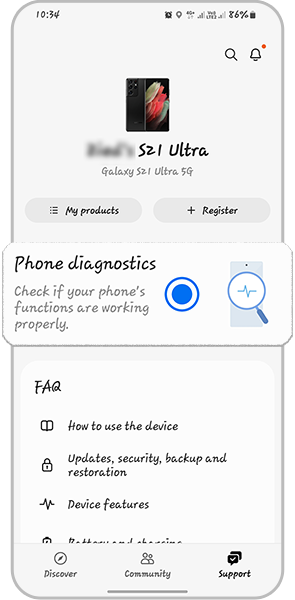
Step 3. Click on Phone diagnostics
Step 4. Choose Camera test
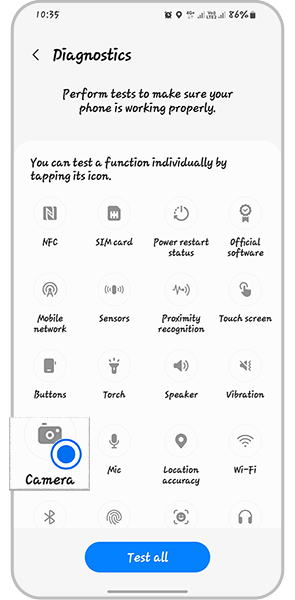
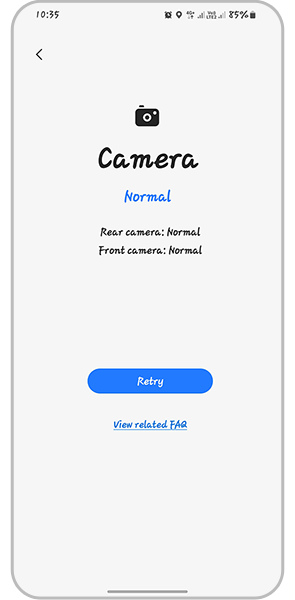
Step 5. After the test, the app will give you the results
Thank you for your feedback!
Please answer all questions.