Customise your Galaxy Z Flip5's cover screen wallpaper
Important Note: The information on this page is for Hong Kong products only. Models, sequences or settings will vary depending on location and/or where the product had been purchased. To be redirected to your local support page please click here.
The Galaxy Z Flip5 features a larger cover screen that effortlessly displays essential information at a single glance. Personalise your new Galaxy Z Flip5 by customising its cover screen to match your unique style.

Note: Available screens and settings may vary by wireless service provider, software version, and device model.
Customise the cover screen wallpaper
To customise the cover screen wallpaper with your Galaxy Z Flip5, follow these steps:


Step 1. Double tap the cover screen or press the Power button to wake the phone.


Step 2. Press and hold the cover screen to open the cover screen settings.
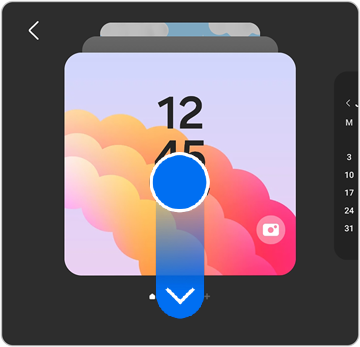
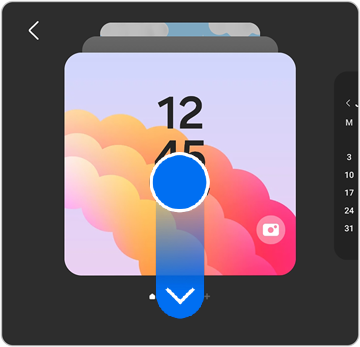
Step 3. Swipe down to view the available cover screens. Tap your desired cover screen to set it.
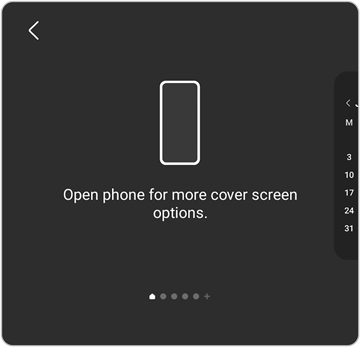
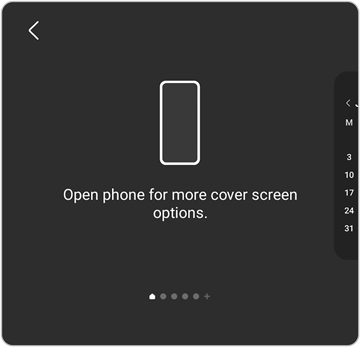
Step 4. To view more cover screen options, swipe all the way to the end, and then open your phone.


Step 5. Tap Add new.
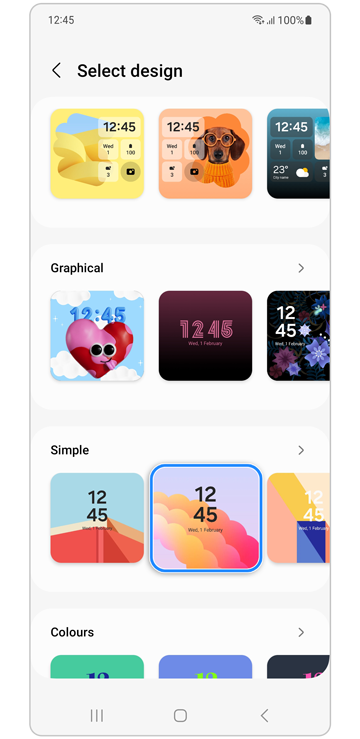
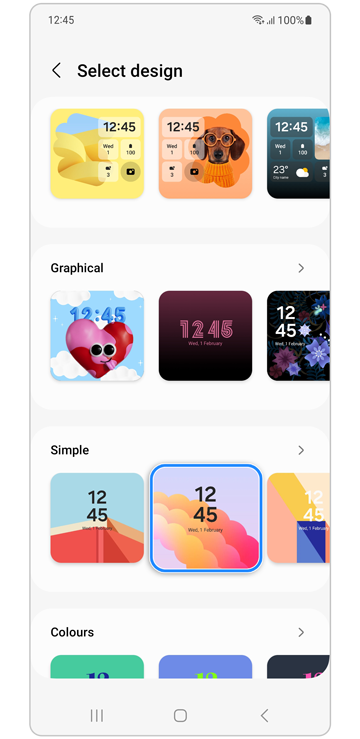
Step 6. Find and select the wallpaper you would like to use.


Step 7. Customise your wallpaper, then tap Done to set it as your new wallpaper.
If the above information does not match what your product is showing, you may check the User Manual for your product. If you are unable to solve the problem, please contact us for further assistance.
Thank you for your feedback!
Please answer all questions.
RC01_Static Content : This text is only displayed on the editor page