Unable to control or see devices registered in the SmartThings app
Important Note: The information on this page is for Hong Kong products only. Models, sequences or settings will vary depending on location and/or where the product had been purchased. To be redirected to your local support page please click here.
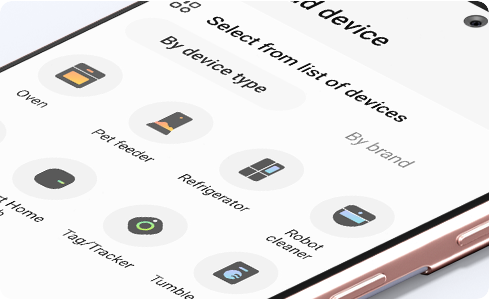
If SmartThings is suddenly unable to find your devices, please check the settings of your Wi-Fi AP:
1. If your Wi-Fi AP is configured to support the 5Ghz frequency band only, please change the Wi-Fi AP settings to support the 2.4Ghz band as well.
2. Check whether the AP name is hidden.
If you continue to experience the same problem even after replacing your Wi-Fi AP or performing these checks, re-register your devices:
1. Delete your previous devices from SmartThings


Step 1. Tap ¨Devices¨ to see your devices.


Step 2. Press and hold the device you want to delete.


Step 3. Tap ¨Edit¨.


Step 4. Tap ¨Delete Device¨.
2. Re-register the device following the initial device registration procedure


Step 1. Tap More (+) at the top of the screen.


Step 2. Tap “Device” to add a device.
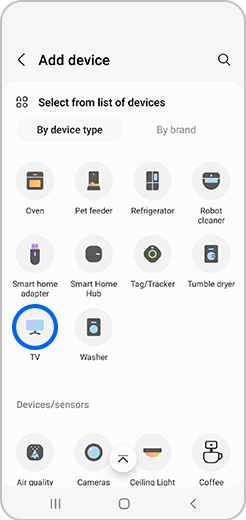
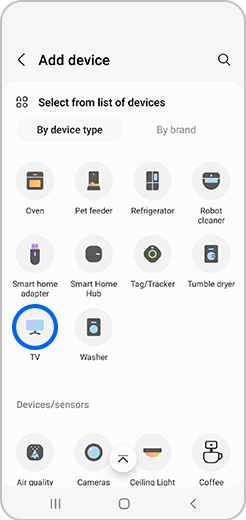
Step 3. Tap the type of device you would like to add.
If the above information does not match what your product is showing, you may check the User Manual for your product. If you are unable to solve the problem, please contact us for further assistance.
Thank you for your feedback!
Please answer all questions.
RC01_Static Content : This text is only displayed on the editor page