Some of my online devices appear offline in the SmartThings hub
Important Note: The information on this page is for Hong Kong products only. Models, sequences or settings will vary depending on location and/or where the product had been purchased. To be redirected to your local support page please click here.
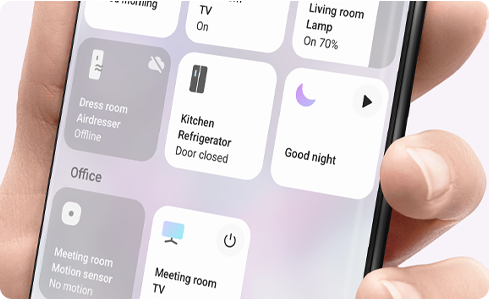
If some of the devices connected to your hub appear offline, check the following:
Check that the devices are turned on.
If a device has not been connected in a while, the battery may have died. Check the battery and replace it, if necessary. Then recheck the device connection again.
Check the distance between the hub and device, and for any obstacles that may be blocking the signal. Another device may have functioned as a repeater (Zigbee Repeater) between the malfunctioning device and hub. Removing such a device may impact the connections of other devices.
Move the offline device as close as possible to the hub, with no obstacles in between and recheck the connection status.
Restart the SmartThings hub by turning it off and on. Then recheck the connection status.
If the affected device still appears as offline, delete, and re-register the device.
1. Delete the registered device from SmartThings


Step 1. Tap ¨Devices¨to see your devices.


Step 2. Press and hold device to delete.


Step 3. Tap ¨Edit¨.


Step 4. Tap ¨Delete Device¨.
2. Re-register the device following the original device registration procedure


Step 1. Tap More (+) at the top of the screen.


Step 2. Tap ¨Device¨to add a device.


Step 3. Tap the type of device you would like to add.
If the above information does not match what your product is showing, you may check the User Manual for your product. If you are unable to solve the problem, please contact us for further assistance.
Thank you for your feedback!
Please answer all questions.
RC01_Static Content : This text is only displayed on the editor page